What is a first-then board?
A first-then board shows two pictures: "first" a task the child has to do, "then" something the child wants. It makes the reward visible at the moment the child resists. Both parts rest on practices NCAEP lists as evidence-based for autism, visual supports and reinforcement; UNC's AFIRM program includes a first/then template in its visual supports packet and explains the principle in its practice packet on reinforcement.
Full guide and a free board: First Then Board.
First-then board apps for iPad compared
Three iPad apps come up most often for first-then boards, and there is one free board that runs in the browser. They take different approaches. We make Visual Schedule and First Then Board, so read this with that in mind.
- Visual Schedule (our app). Runs on iPad, iPhone and Mac. A first-then board is a schedule with two tasks, and the same app grows into full daily routines with a full-screen visual timer, Kid Profiles and routine templates. Free to download, with optional premium features. There is no voice recording for tasks and no Android version.
- First Then Board (free, in the browser). We make this one too. It is a free web board that opens in the browser on iPad, iPhone or a computer, with nothing to install and no account. Cards can show your own photos, the board has 2 or 3 cards, and you can print it. It has no timer and no child profiles.
- First Then Visual Schedule HD. By Good Karma Applications, for iPad and iPhone. First-then boards are built in, next to schedules, task analyses, social stories, choice boards and video models, with a large symbol library. A one-time purchase, English only.
- Choiceworks. By Bee Visual, for iPad and iPhone. It has no board called first-then, but its schedule boards show what is happening now and what comes next, which does the same job. It also has waiting boards with a visual timer and lets you add your own recorded voice to cards. A one-time purchase with no free version.
What about Tiimo? It is a visual day planner for teens and adults (App Store age rating 9+), and its developer does not describe a first-then mode, so it is a better fit for a teen planning their own day than for a young child's first-then board. Our full comparison of visual schedule apps has more detail on each one.
Why it works
- It reframes the demand. The conversation shifts from "do this" to "this, then that": the hard task becomes the doorway to the good one.
- It's concrete. No time concepts, no reading, no trust in verbal promises required. Perfect for pre-readers and concrete thinkers.
- It ends negotiation. The board is the deal. Checking off "first" unlocks "then" every single time, which is what builds trust in the system.
Running a first-then board in Visual Schedule
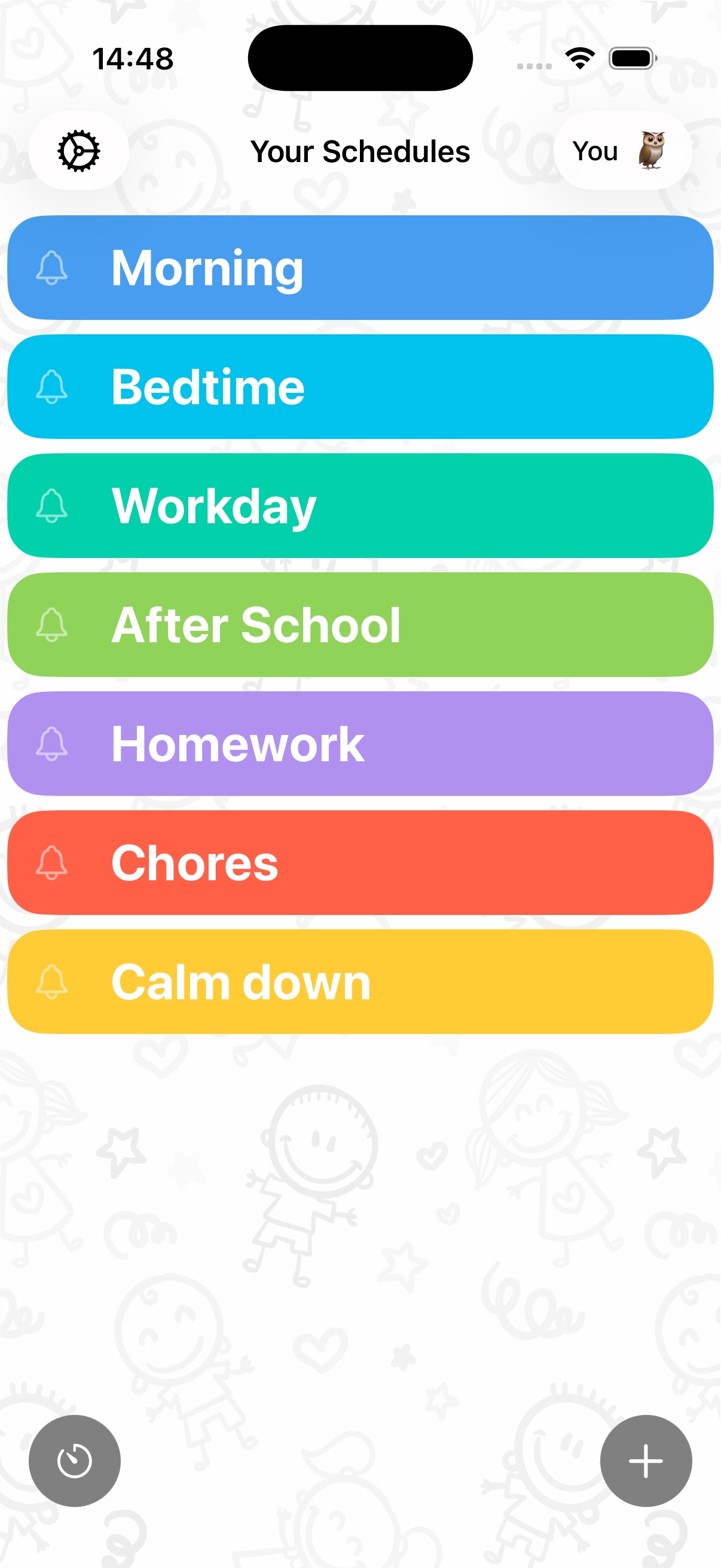
- Create a schedule with exactly two tiles. Tile 1: the demand (homework, tidy up, bath). Tile 2: the motivator (trampoline, tablet, park).
- Make the "then" picture irresistible. Use a real photo of the actual reward, like their trampoline or a still from their favorite show, from your photo library or Pixabay.
- Add a timer to the "first" task if it's duration-based ("first 15 minutes of reading"), so the child watches themselves earning the reward.
- The child taps "first" complete themselves. That tap is the psychological unlock. Then you deliver "then" immediately and without renegotiation.
From first-then to full schedules
A first-then board is a first step, not the goal. When your child follows first-then calmly most of the time, add a third step, then move to a full visual schedule. In Visual Schedule this happens in the same app: the two-task schedule grows into a morning routine and then a whole day, with timers, start times and a profile for each child, so there is no new system to learn. Not sure which tool fits now? See first-then board vs visual schedule.
First set it up, then relax
Two tiles, one deal, zero laminating. Run first-then boards and full visual schedules in one free app.
Download Visual Schedule free