Time blindness is real
Young children — and especially kids with ADHD or autism — don't have an internal clock they can consult. "Almost done," "in a while" and "hurry up" are abstractions. So a task that should take five minutes takes forty, warnings feel like ambushes, and every ending of a fun activity lands as a betrayal. The fix isn't better warnings; it's making time visible. Research backs this up: a 2019 review of time perception studies found that people with ADHD consistently perceive and estimate time differently (Ptacek et al., 2019) — the struggle is neurological, not attitude.
What a visual timer changes
- Endings stop being surprises. The child watches the countdown, so "time's up" is confirmed, not announced. Parents often tell us this alone defuses many transition standoffs.
- Boring tasks become beatable. "Brush teeth for 2 minutes" is a chore; a 2-minute countdown to beat is a game.
- Focus gets a container. "Do homework" is endless; "homework until the timer ends" is finite — and finite is doable, especially for ADHD brains.
- You retire as the timekeeper. The timer is neutral. Nobody argues with it the way they argue with a parent.
The timer built into every task
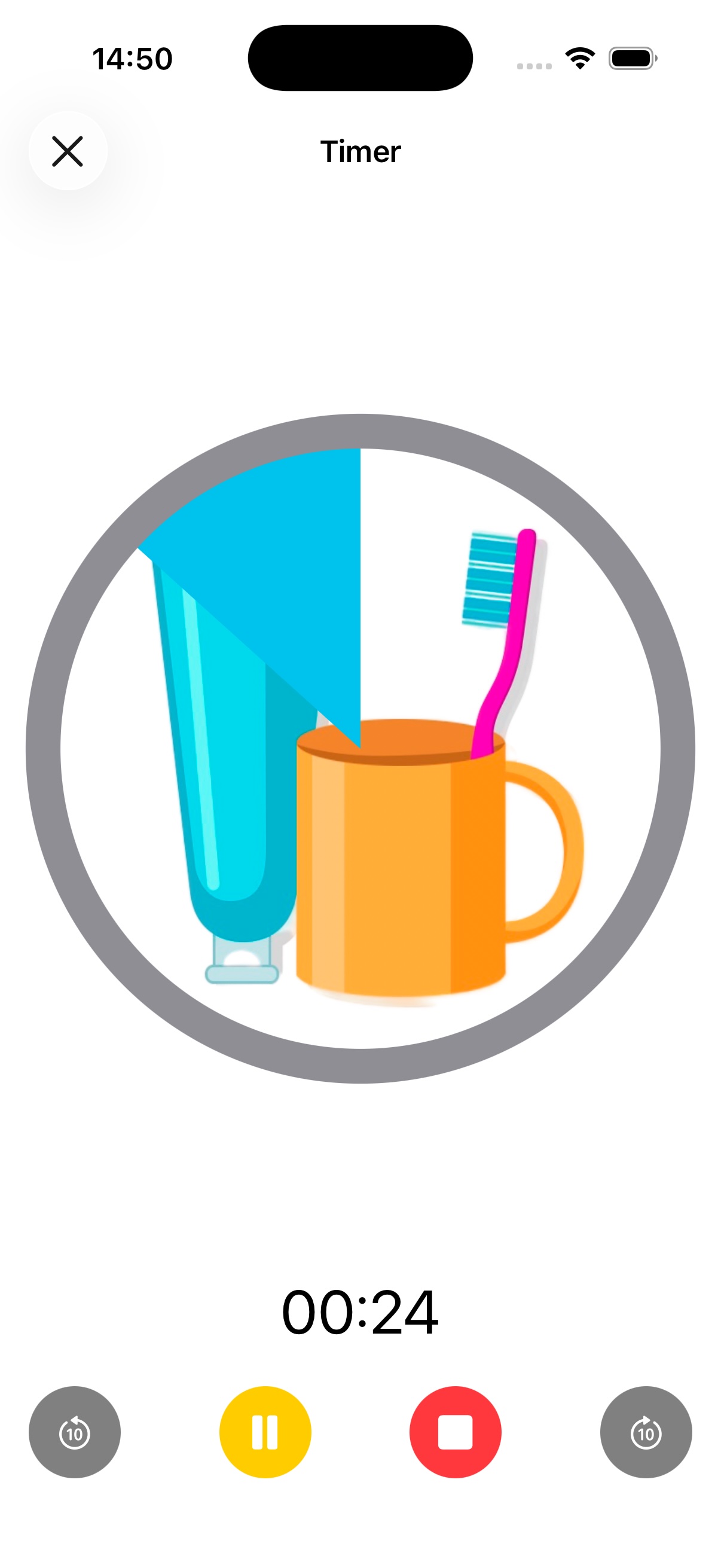
In Visual Schedule the timer isn't a separate app — every task in the routine can run its own full-screen timer, with the activity's icon front and center so the child sees both what they're doing and how long is left. The final countdown adds visual and sound alerts, so the last stretch never sneaks up.
Where families use it most
- Tooth brushing — the classic 2-minute countdown, twice a day.
- Ending screen time — start the timer with your child when the show starts; the ending was agreed, visible and neutral.
- Homework sprints — 15–20 minute focus blocks with a visible finish line, then a break tile in the schedule.
- Getting dressed races — the dawdle-killer of school mornings.
- Transition warnings — a 5-minute timer before leaving the playground beats five verbal warnings.
Give your child a clock they can read
Full-screen visual timers on every task, with countdown alerts — inside the routine, where they work best. Free on iPhone & iPad.
Download Visual Schedule free