Why classrooms run on visual schedules
A classroom visual schedule is standard practice in special education and increasingly in mainstream early-years rooms, because it solves classroom-scale problems: twenty students asking "what's next?", transitions that eat ten minutes each, and autistic or ADHD students for whom an unpredictable day means dysregulation. When the day's sequence is posted where everyone can see it, the schedule answers the questions, cues the transitions and carries the anxiety. The practice is backed by research, not just tradition: NCAEP's 2020 review lists visual supports among the evidence-based practices for autism, and UNC's AFIRM program publishes a free visual supports practice packet.
Paper vs. digital in the classroom
- Changes take seconds, not a laminator. Assembly moved? Rain cancelled recess? Edit the tile in front of the class — students see the change happen, which is itself a preview.
- Timers are built into the tiles. Center rotations, clean-up countdowns and quiet-work blocks each run a full-screen visual timer with a final-countdown alert the whole room can hear.
- Individual schedules per student. Kid Profiles give each student who needs one their own schedule — the pull-out student's day, the modified sequence — on one shared device, with separate progress.
- It travels. The schedule on a tablet goes to the gym, the field trip and the substitute teacher, unlike the pocket chart on the wall.
Setting up a class schedule
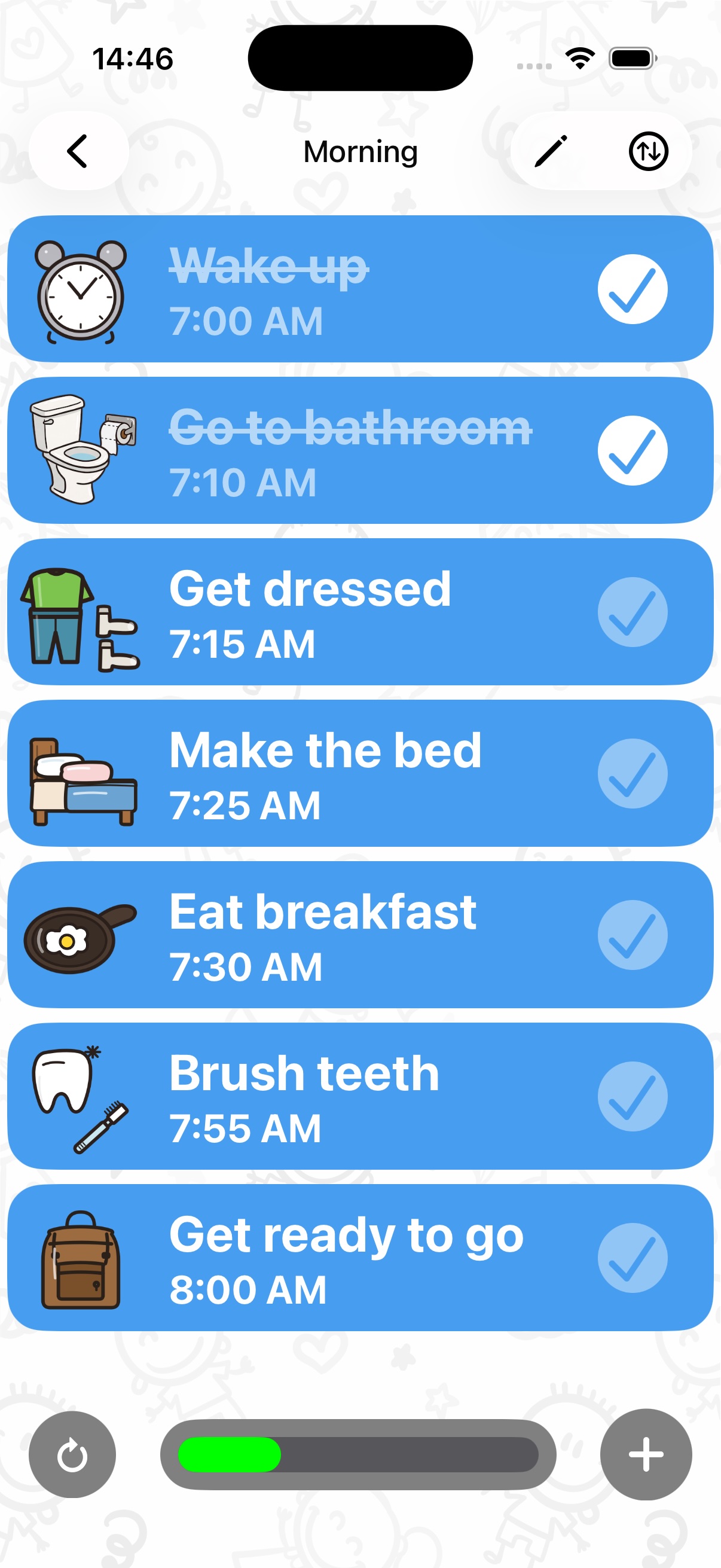
- Build the daily sequence: arrival → morning meeting → literacy → snack → centers → recess → lunch → quiet time → math → pack up. Use the icon library (130+ icons) or photos of your actual classroom areas.
- Add times and reminders to fixed anchors (specials, lunch) so bells stop being surprises.
- Run the timer on every transition. "When the timer ends, we line up" — the timer becomes the neutral authority, and clean-up becomes beat-the-clock.
- Assign a schedule helper. Checking off completed activities is a coveted classroom job, and the tap-plus-confetti moment gives the whole room closure between blocks.
- Duplicate and adapt for individual students who need modified days — same icons, personal sequence.
For therapists and support staff
SLPs, OTs and behavior specialists use the same setup session-to-session: a short visible sequence of the session's activities, a first-then pair for demanding work, and a timer for each block — no printing or laminating required.
Retire the laminator
Class schedules, individual student profiles, transition timers — one free app on the classroom tablet.
Download Visual Schedule free